

1080P HDMI Mirroring Cable Phone to TV HDTV Adapter Cord for iPhone iPad Android
$ 6.18
Description
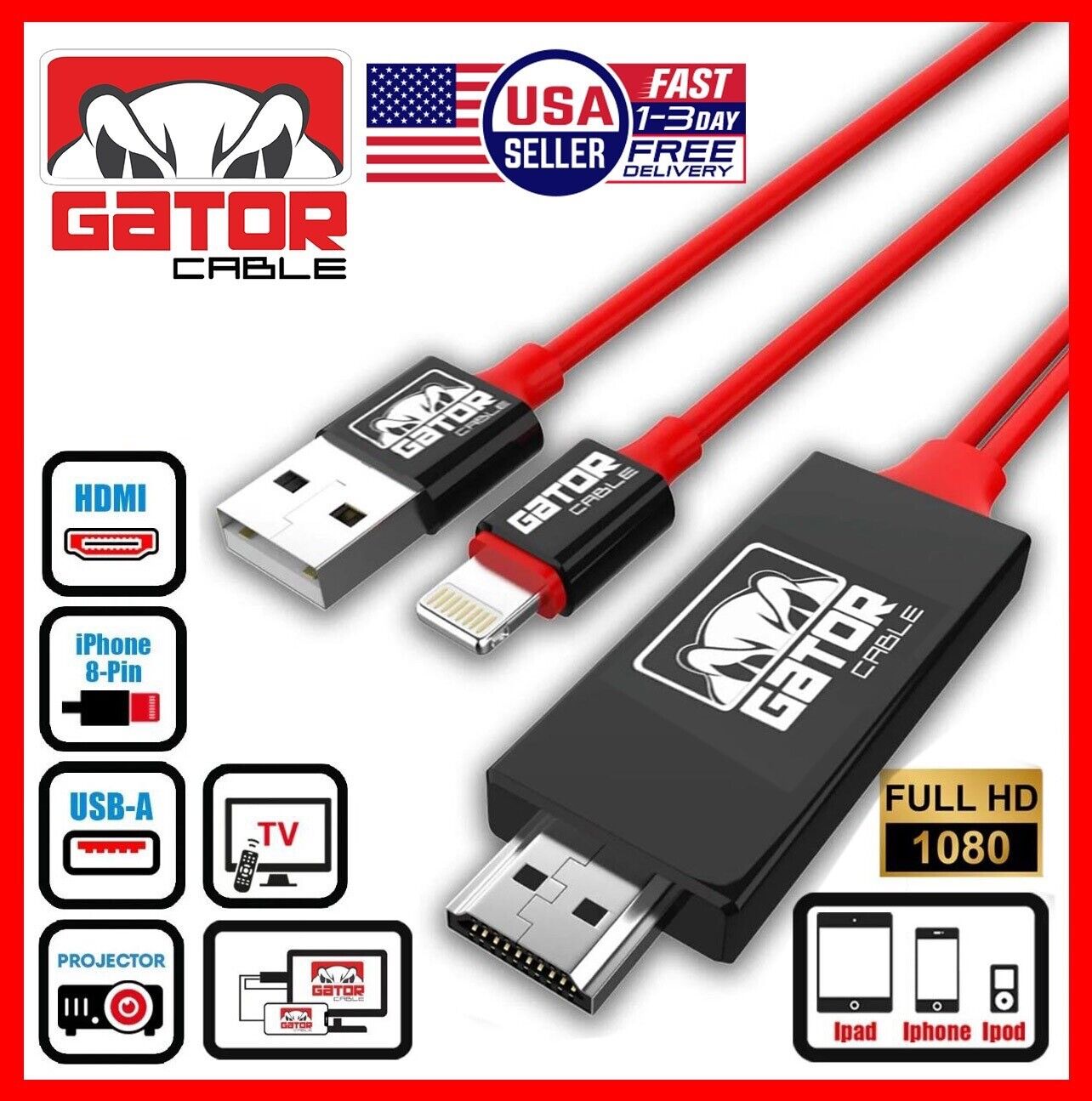
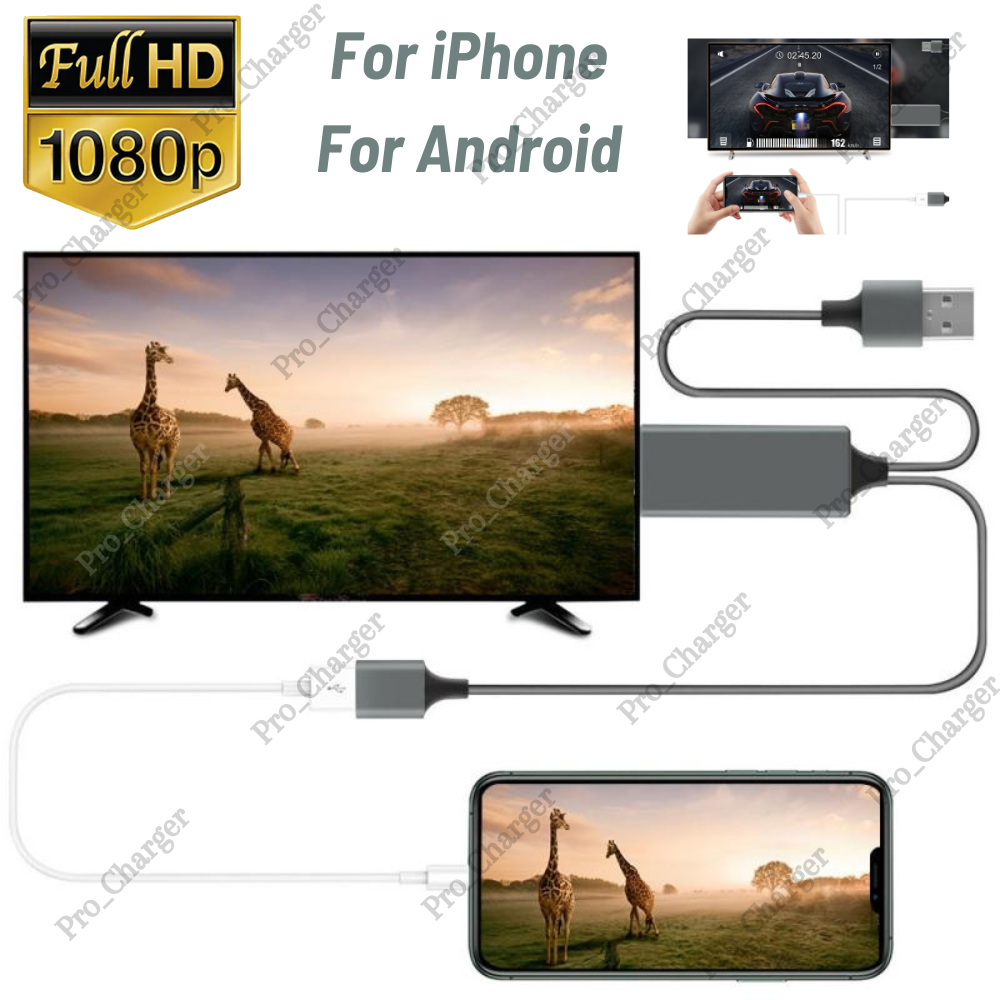
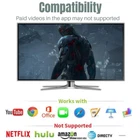
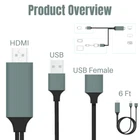
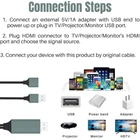
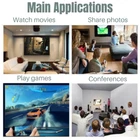
F EATURES: 【3 IN 1 HD Mirroring Cable】: Plug the HDMI connector into your HDMI-Enabled devices, iOS (input) / HDMI (output) / USB 2.0 (Power Supply: 5V 1A). Connect a Smart Phone, Tablet or Other MHL Enabled Device to an HDMI TV. 【Compatible Device】: Compatible with Apple and Samsung devices. Compatible for iPhone 5/5c/5s/6/6 Plus/6S/ 6S Plus/7/7/8/X/XS/XS Max11/11 pro/11 pro max/12 mini/12/12 pro/12 pro max/13 mini/13/13 pro/13 pro max/14/14 plus/14 pro/14 pro max and ipad devices, also Compatible with Samsung Galaxy S10/S9/S8/S8+/S/S4/S3 . Note: Don't Support Samsung Galaxy S6/S7/S7 S6Edge. NOTE2/3/4/5/7/8/9,Google Nexus 5/ 5x/ 6p,Huawei P8/P9 Google Nexus 5/ 5x/ 6p,LG,Sony,Motorola,Sony,HTC series etc. 【Support Full 1080P HD Display】: Support 1080P high digital signal output , can be connected to HDMI Monitors, HD-TVs;Apps Supported: YouTube, FOX, Family On TV, ABC, NBC, IDMB, Quickflix, Microsoft Office and more videos downloaded and saved on your Devices for stream. Not Compatible with Apps which have "HDCP" video copyrights protection like Netflix, Amazon video, HBO go, HULU and Honda motor. 【Operation For iOS And Android】: Plug and Play -- For IOS,Without Any Driver/ Software/ APP needed. No Need Personal Hotspot/Airplay/ WiFi/Bluetooth. Ezcast APP is required for Android system. Enjoy to sync cast for iPhone/ iPad/ Android screen to big TV screen, just insert each interface to the corresponding device, wait a few seconds and i t will connect automatically. 【Screen Mirroring Cable】: MHL Adap ter Enables you to mirror your mobile device's content to your TV screen ( including movies, TV show, music, video, audio, photo and more). It supports mirroring of whatever is displayed on your device screen - including apps, presentations, websites, slideshows and more to your HDMI-equipped TV, display, projector or other compatible display in up to 1080p HD. 【 Installation】 Step 1: Connect it: ● Insert the USB port into the 5V/1A adapter, or 5V/2A USB interface on the TV / Monitor or Projector. ● Insert the HDMI out port of one cable i nto the HDMI Port of TV / Monitor or Projec tor. ● Insert the Original power cable of IOS devices/ Samsung phone / Huawei phone into USB female port of one cable. Step 2: Trust for Different Devices ● For iOS Devices Connect the phone and the cable with the USB cable, just click "Trust" when prompted, and wait 10 seconds to synchronize the phone screen with the TV. ● For Android phones: (1) Please open your phone's settings and navigate to "Developer Options", then choose "USB debugging", then click "OK", trust the devices. (2) If there is no "Developer Options" on your phone, tap 6 times consecutively on "Build number" of the "Software info" in the setting, then "Development Options" will be opened manually. S pecifications: Type: USB To HDMI Cable Phone to TV Adapte r (Universal/ Android/ IOS) Color: Black Length: 3ft Material: PVC + Copper Connector types: Input: USB Female Interface Output: HDMI Power Supply: USB 2.0 What’s in the box: 1 X USB To HDMI Cable(Universal/iOS/Android) On Jul 25, 2024 at 09:31:30 PDT, seller added the following information: