

Bluetooth Adapter Wireless Audio Receiver for Home Car AUX 3.5mm
$ 8.94
Description
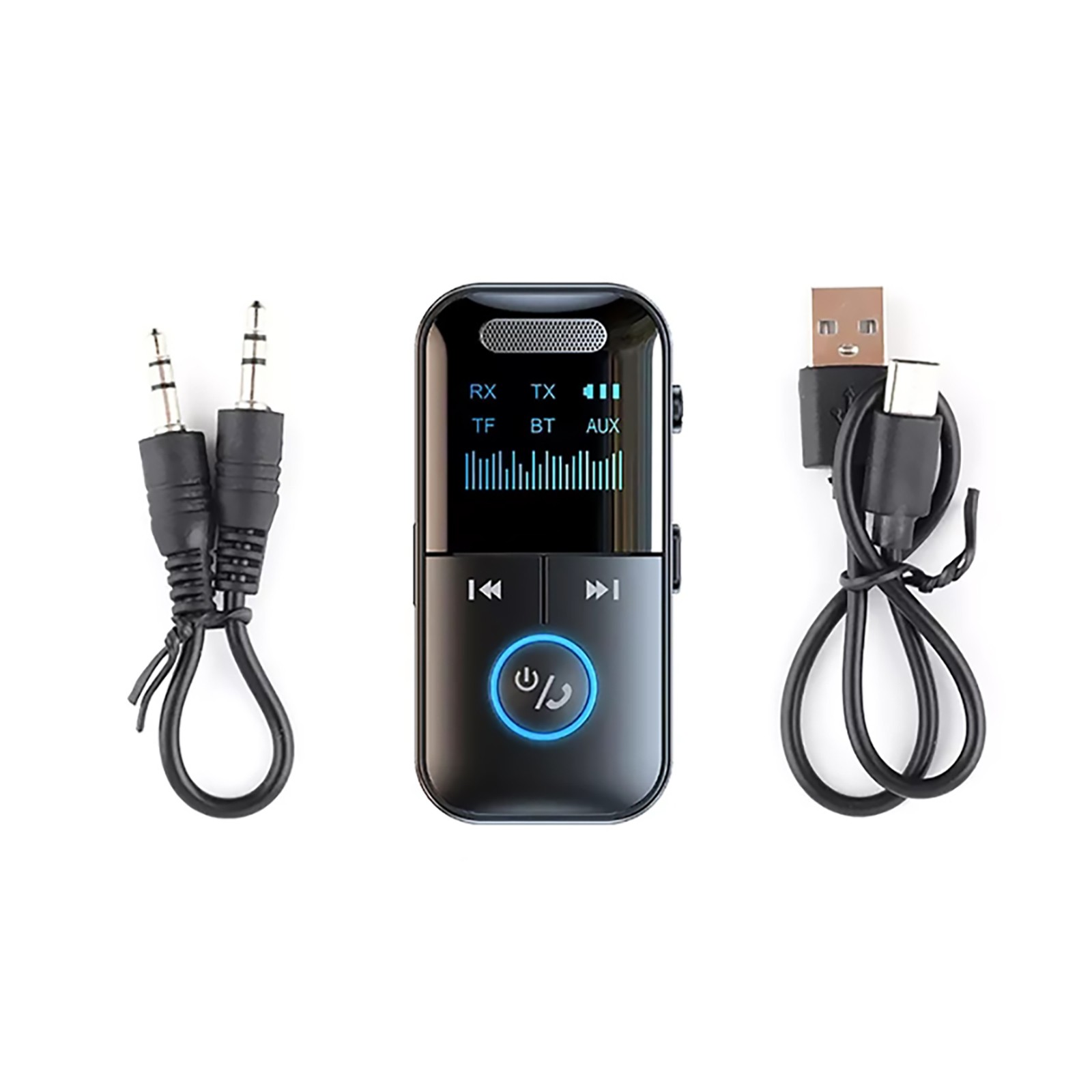
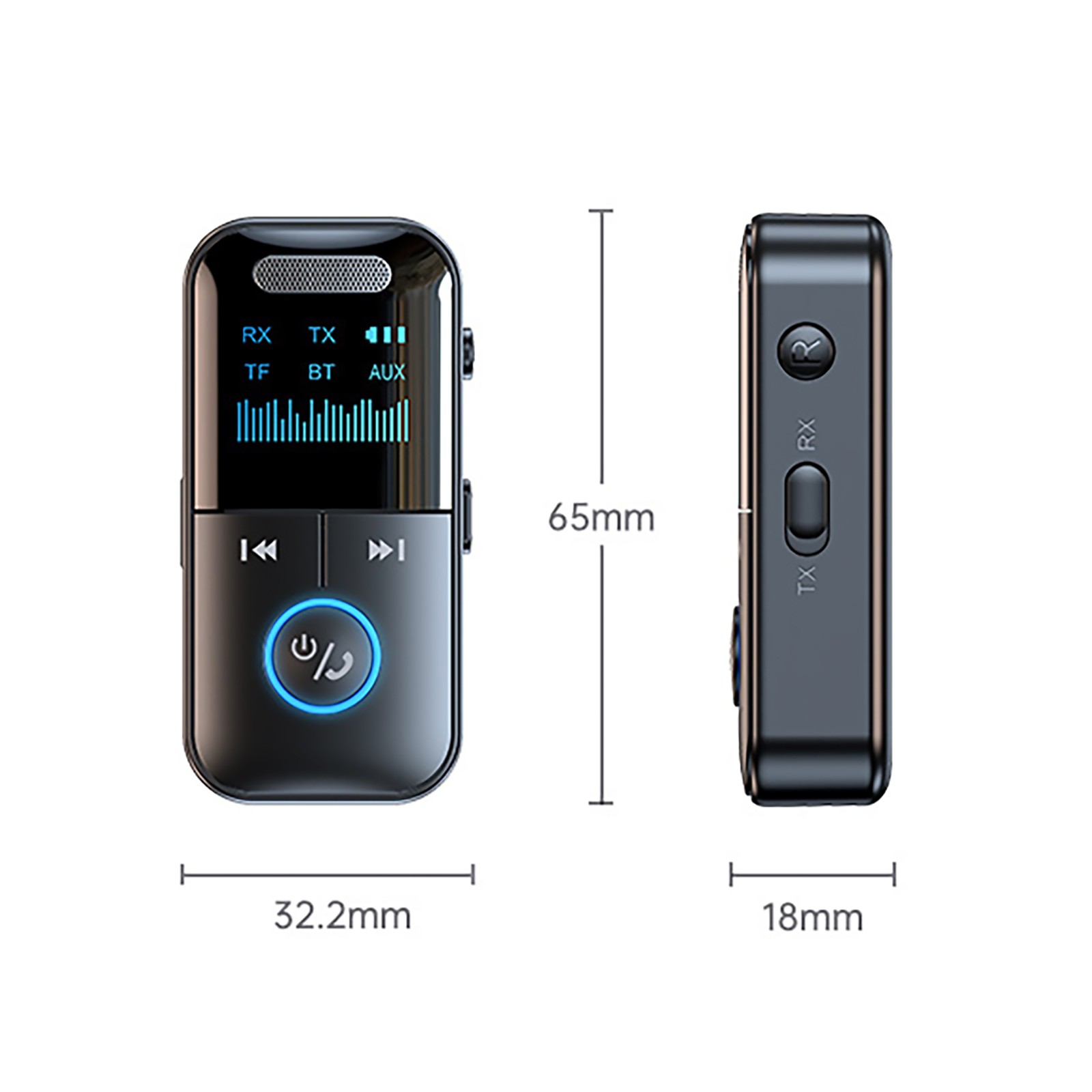
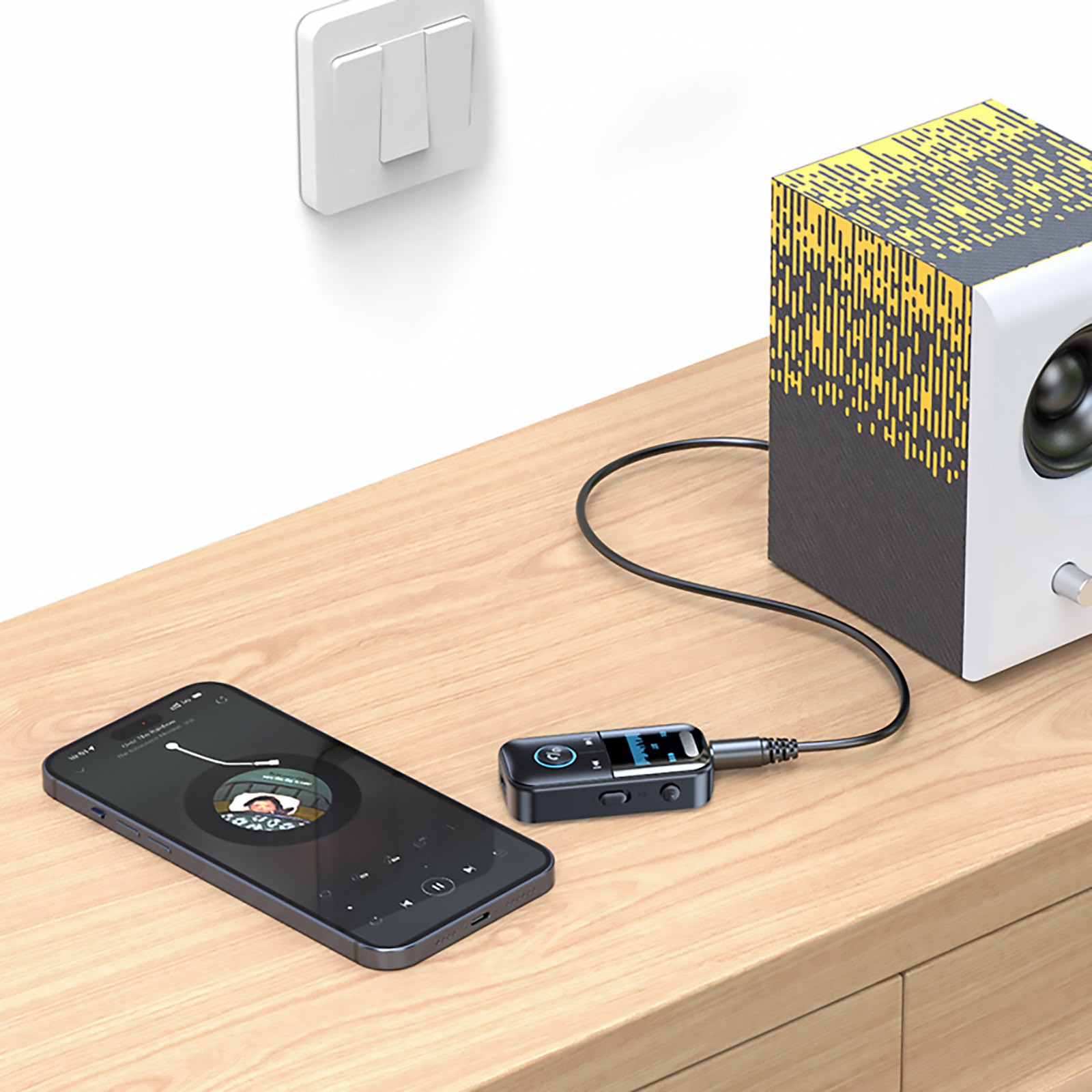
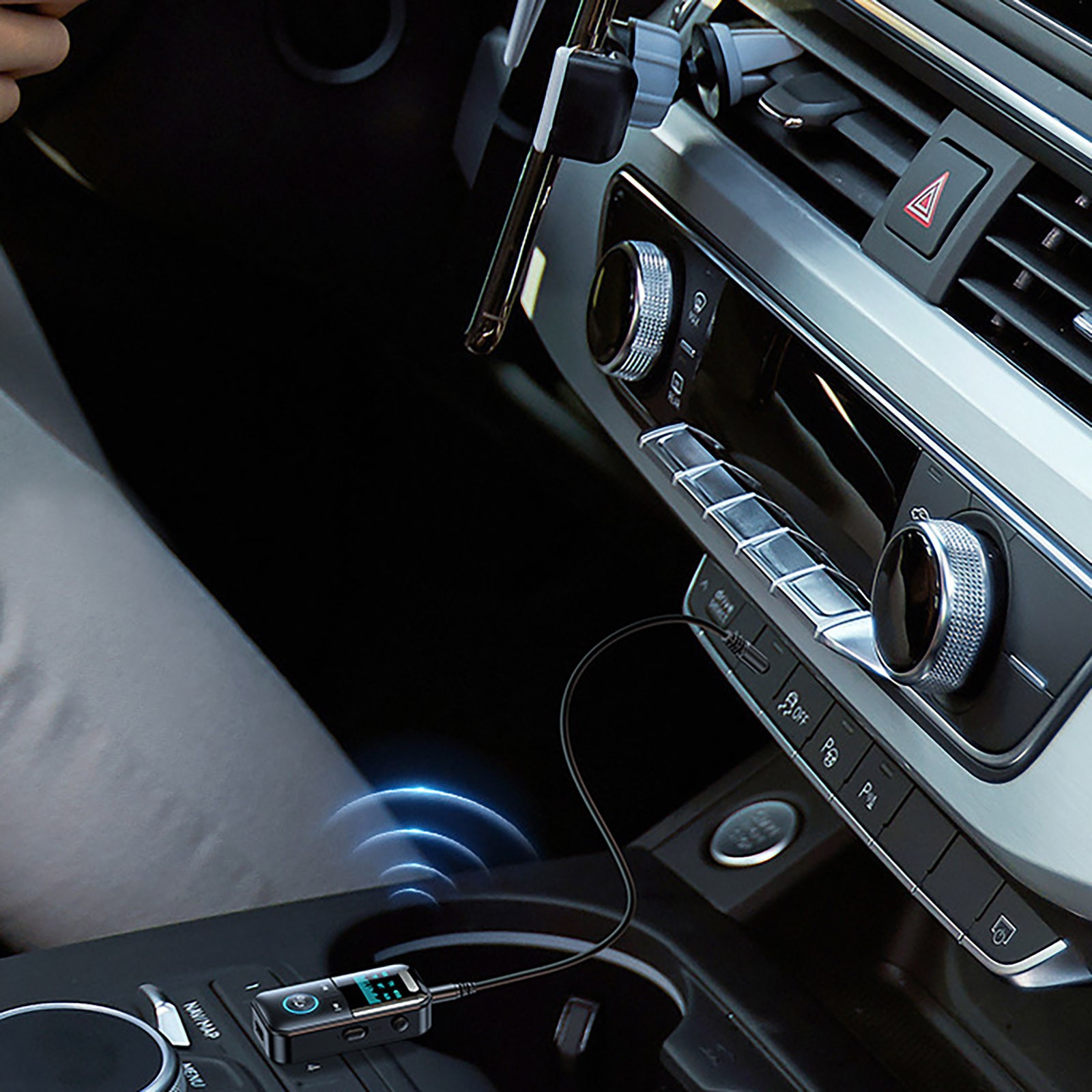
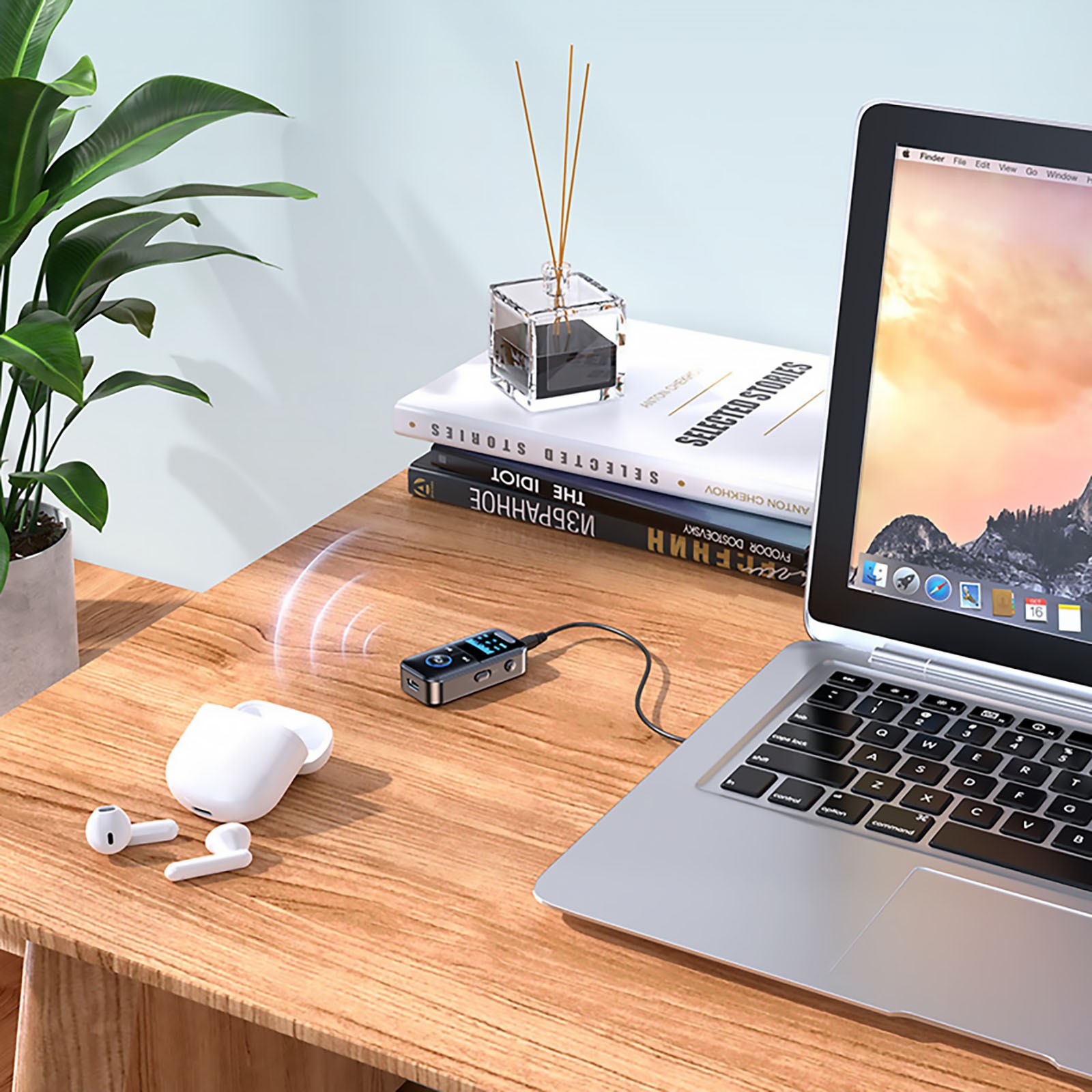
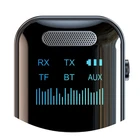
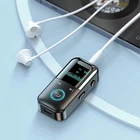
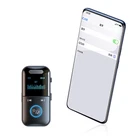
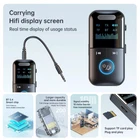
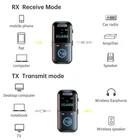
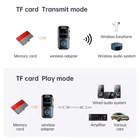
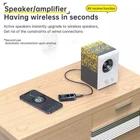
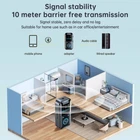
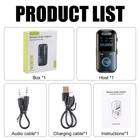
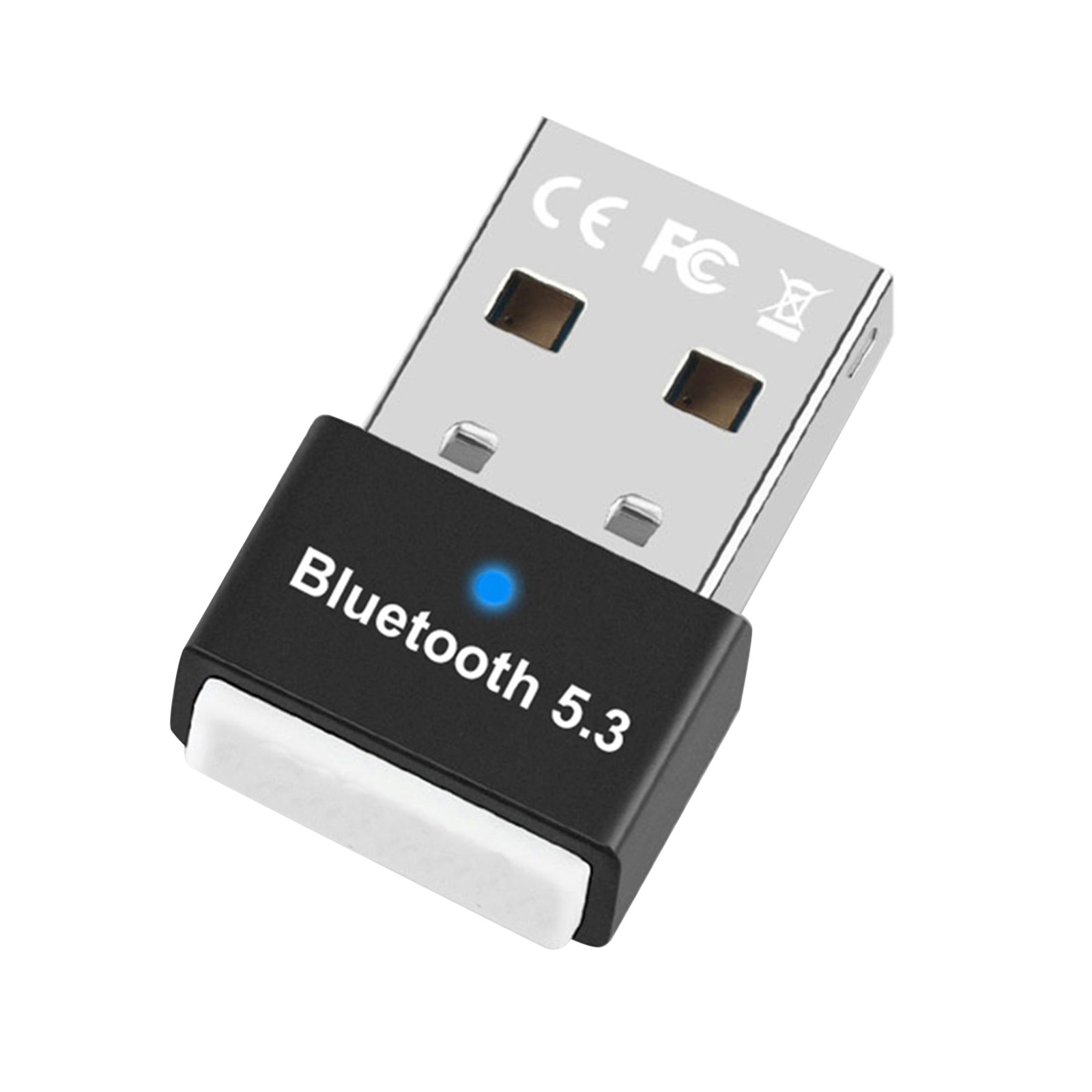
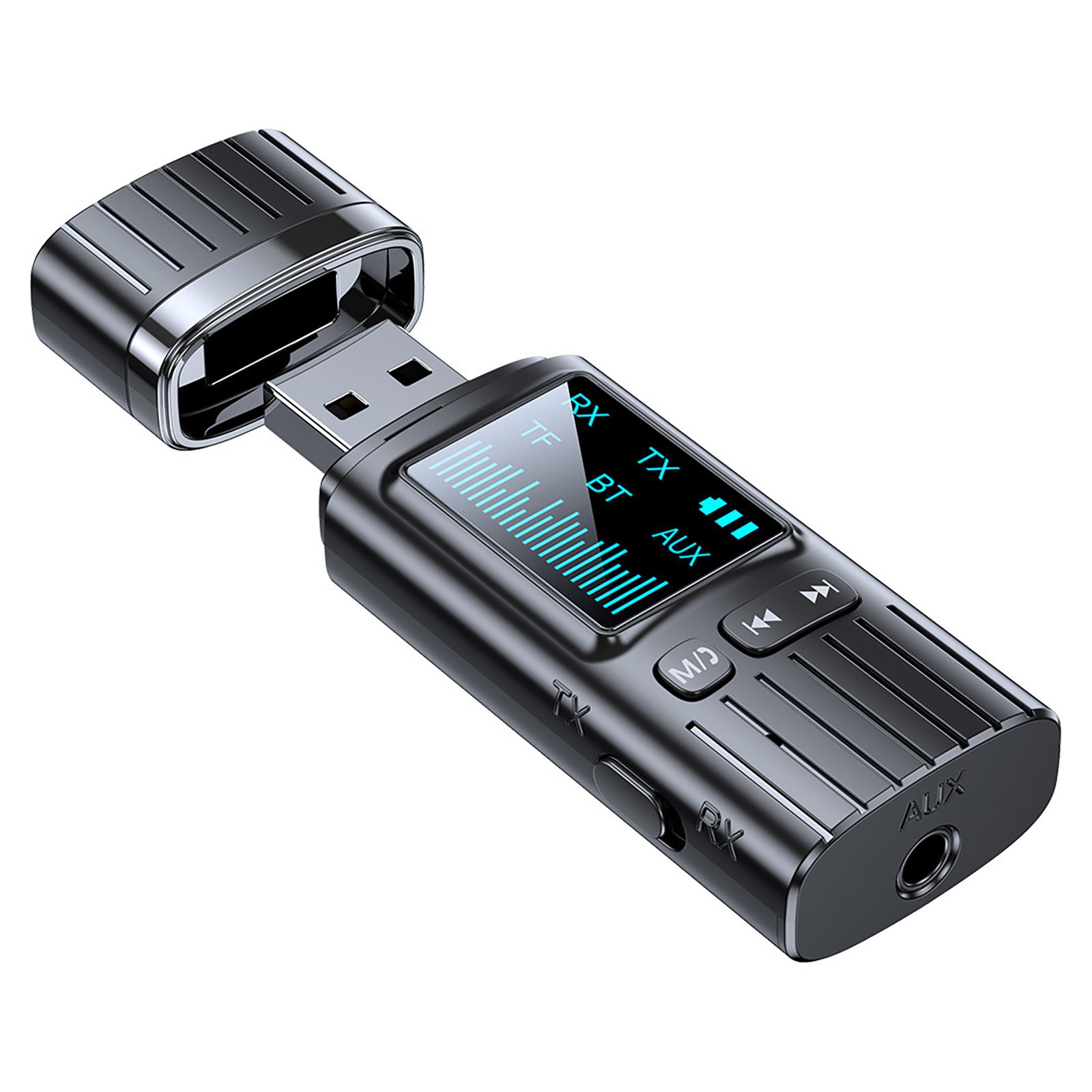
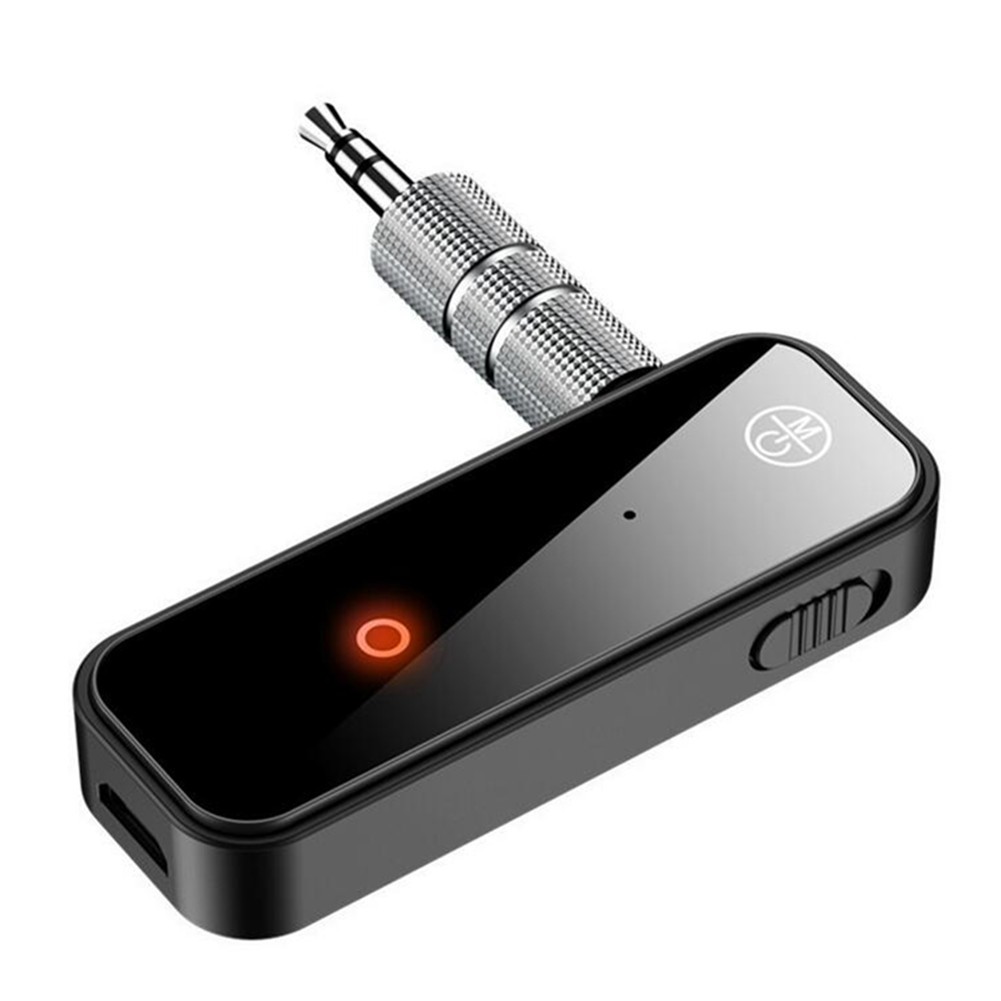
Features: 1. High quality chips with good stability and superior performance 2. Integrated reception/transmission/MP3 playback 3. The product is equipped with a built-in battery, providing long-lasting battery life 4. Digital display screen design, clear and visible 5. Compact and exquisite, with powerful functions 6. Supports TF card expansion, with a maximum support of 32GB for TF cards 7. Equipped with a 3.5mm audio cable that can directly connect to the device 8. Improve cars, audio systems, computers, televisions, tablets, and more Specifications: Product Name: Bluetooth Adapter Bluetooth version: 5.4 Transmission distance: approximately 10 meters Power supply method: Type-C interface Battery capacity: 200mAh Working hours: Approximately 6 hours on full charge TF card support: up to 32G (not included) Transmission speed: 100M (Mbps) Working frequency: 2.4 (MHz) Function: Receive/transmit/MP3 playback/3.5mm audio cable connection TX (transmission mode) 1. Connect the adapter to a computer, TV, or other device that needs to be used with an audio cable, and turn the side switch to TX 2. Power on, when "TX" is displayed and continuously blinks, the adapter is in emission mode 3. Turn on the Bluetooth earphones or Bluetooth speakers and make sure they are in Bluetooth pairing mode. Wait for the adapter to automatically pair with Bluetooth headphones or Bluetooth speakers. After successful pairing, the display screen "TX" stops blinking and remains constantly on. Then, you can play music on your computer or TV, and the sound will be transmitted to Bluetooth headphones or Bluetooth speakers. RX (receiving mode) 1. Connect the adapter to the speaker using an audio cable and turn the side switch to RX 2. When turned on, the display screen will display "RX" and flash. At this point, the adapter is in receive mode. 3. Turn on Bluetooth, search for "GT69" and connect. After successful pairing, the "RX" on the display screen stops flashing and remains on, allowing music to be played. Play music from TF card 1. Insert the TF card into the TF card slot on the side, the screen will display "TF", and the adapter will automatically start playing. 2. Long press simultaneously: Press and hold the up and down buttons while switching modes Remarks If pairing fails, please confirm that the device to be paired is not being used by other devices. You can try pressing the "R" key a few more times. If it fails multiple times, please restart the adapter and Bluetooth earphones or Bluetooth speakers, and then repeat the above steps. Package includes: 1* Bluetooth Adapter 1* Audio Cable 1* Charging Cable

This Bluetooth adapter is a game-changer! The sound quality is crisp with no lag, and the battery life lasts forever. Love the digital display—super easy to see and use. Works perfectly in my car and at home with my old speakers. The TF card slot is a nice bonus, and the compact size makes it super portable. Super affordable for how much it upgrades my audio setup. Highly recommend!