


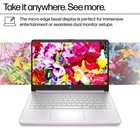
HP 14" Student Laptop with Intel N150, 16GB RAM, 128GB SSD, Windows 11
$ 139.39
Description
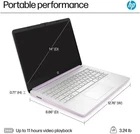
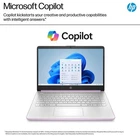
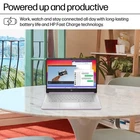
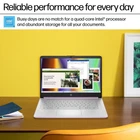
Intel Processor N150 Intel graphics 16GB DDR4 Memory (RAM) 128GB Universal Flash Storage 128GB SD Micro-edge display 14-in HD Display HP Fast Charge:Go from 0 to 50% charge in approximately 45 minutes Up to 11 hours of battery life Wi-Fi 6 (2x2) and Bluetooth 5.4 wireless card Tuned Stereo Speakers Dual array microphones HP True Vision HD Camera:Video chat with vibrant clarity, even in low light. Temporal noise reduction ensures you're always heard. Weighs 3.24 lbs. and measures 0.71" thin Ports 1 Multi-format SD media card reader, 1 USB Type-C (10Gbps signaling rate, DisplayPort 1.2), 2 USB Type-A (5Gbps signaling rate), 1 Headphone/microphone combo, 1 AC Smart pin, 1 HDMI 1.4b Product Description Microprocessor: Intel Processor N150 (4 Cores, up to 3.6 GHz) Graphics Type: Integrated Memory Upgraded to 16GB DDR4 RAM Video graphics: Intel UHD Graphics Display: 14"" HD (1366 x 768), micro-edge Wireless connectivity: Wi-Fi 6 and Bluetooth 5 combo External ports: 1 x SuperSpeed USB Type-C 3.0 2 x SuperSpeed USB Type-A 3.0 Minimum dimensions (W x D x H): 12.76 x 8.86 x 0.71 inches Weight: 3.24 LB Power supply type: 45 W AC power adapter Battery type: 3-cell, 45 Wh Li-ion polymer Battery life mixed usage: Up to 11 hours Webcam: HP Wide Vision 720p HD camera with camera shutter and integrated dual array digital microphones Operating system: Windows 11 Home " How to switch s mode to windows 11 On your PC running Windows 11 in S mode, open Settings > Update & Security > Activation. In the Switch to Windows 11 Home or Switch to Windows 11 Pro section, select Go to the Store. (If you also see an "Upgrade your edition of Windows" section, be careful not to click the "Go to the Store" link that appears there.) On the Switch out of S mode (or similar) page that appears in the Microsoft Store, select the Get button. After you see a confirmation message on the page, you'll be able to install apps from outside of the Microsoft Store. Contact us Feedback Contact us We can be contacted at any time through eBay messages if you have any questions, comments or product requests. We will respond to you within 24 hours and do our best to help you out! We encourage our customers to contact us with any questions or concerns! We'd like to be sure you are completely satisfied with your purchase. Please email us before returning.Please contact us by email before leaving a review.We'll try to offer you a solution. Feedback We will work with you to until you are satisfied.we sincerely hope that you can leave us a positive comment,If, for any reason you are not satisfied with your purchase, please contact us through "My Messages" or "Ask Seller Questions" before leaving neutral or negative feedback.
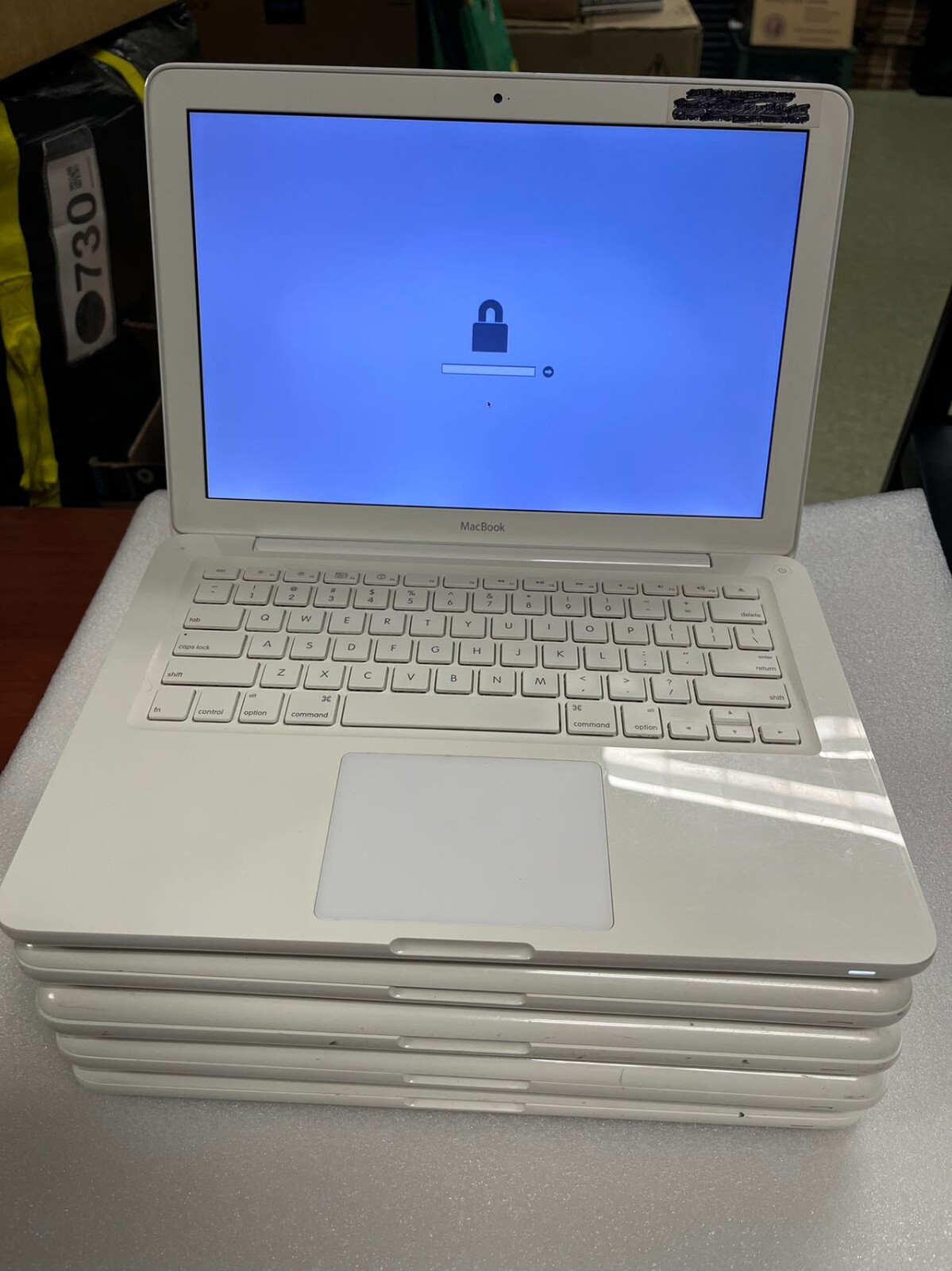
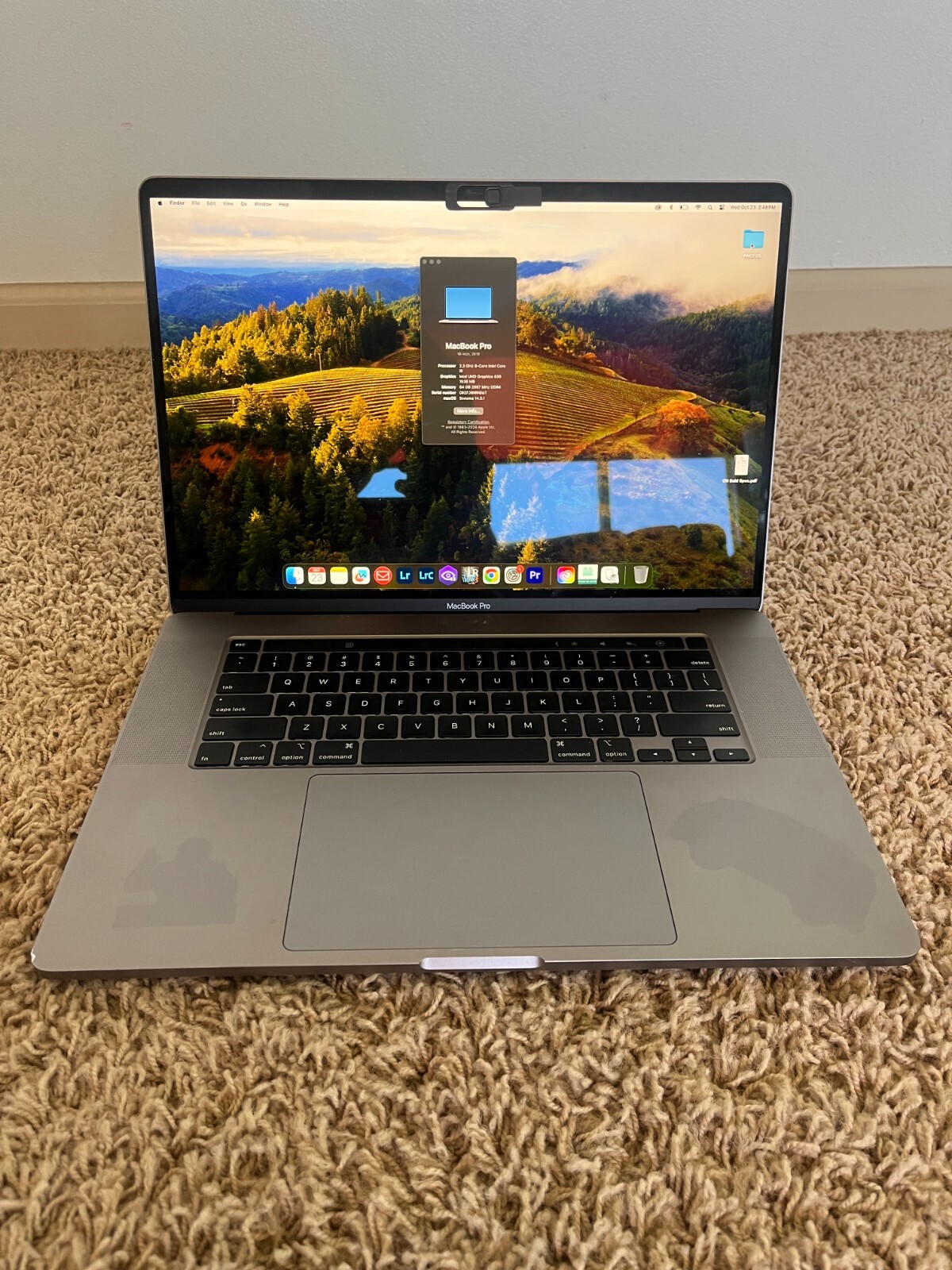


I received my item in timely fashion and well kept in a box just like i expected my kid loves it.