


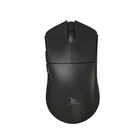
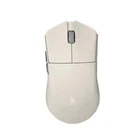
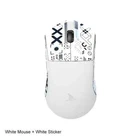
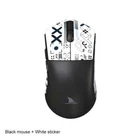
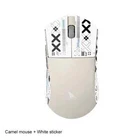
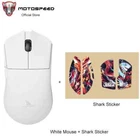
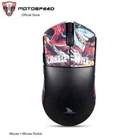
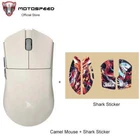
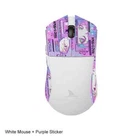
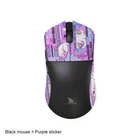
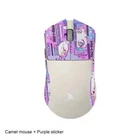


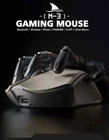
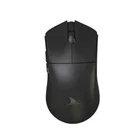
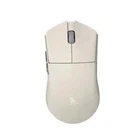
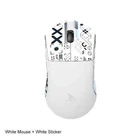
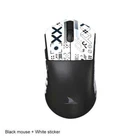
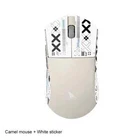
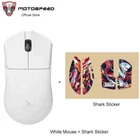
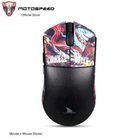
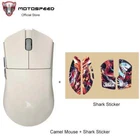
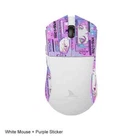
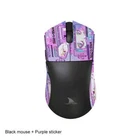
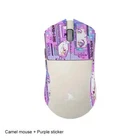
High-Precision Bluetooth Wireless Gaming Mouse with 26000DPI PAM3395 Optical Sensor
$ 47.55
Description
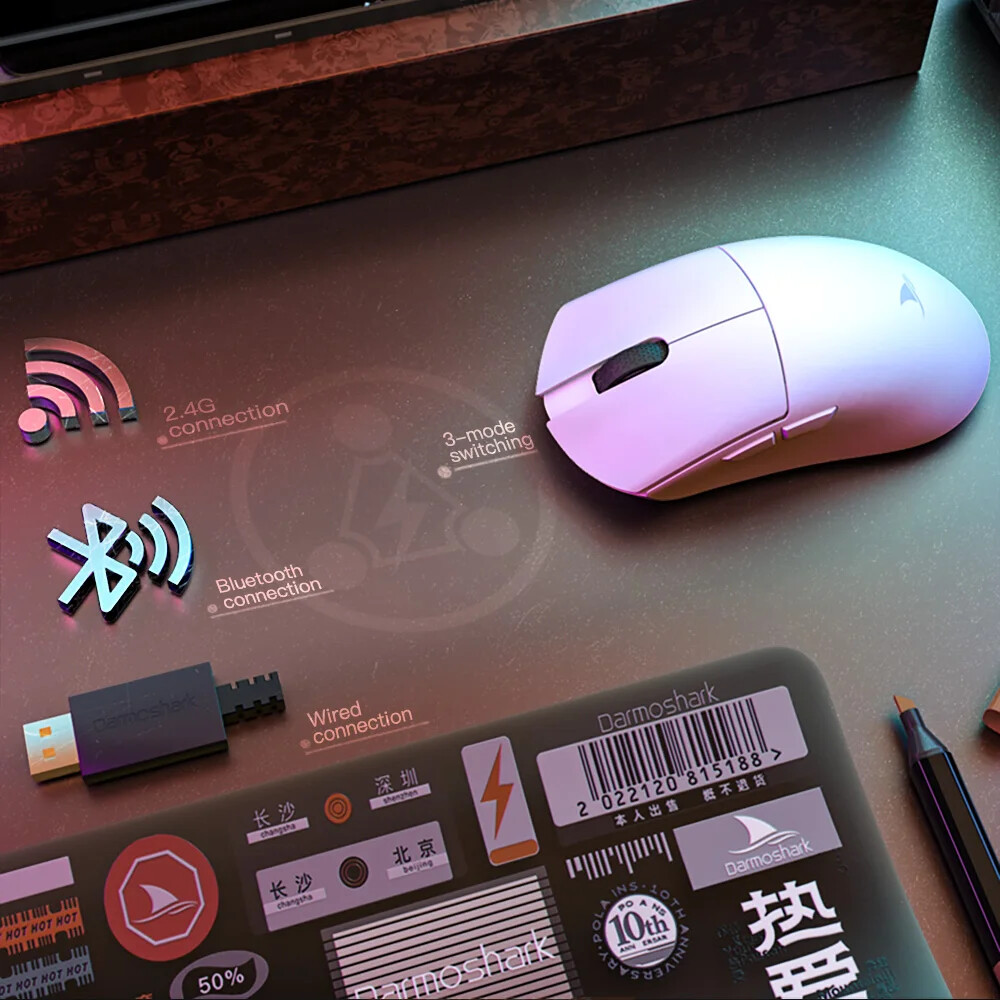
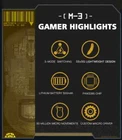
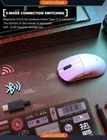
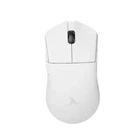
Product model:M3 Shell material: ABS Optoelectronic IC:PAM3395 Micro switch: TTC 60M Encoder: TTC golden wheel 2 million laps Foot stickers:Teflon PTFE Connection mode :wireless/ Bluetooth / wired Connection Lithium battery:500mAh Maximum speed:650IPS FPS image processing:26000fps Acceleration:50G SPI: 8ms/2ms(default)/1ms Operating Voltage:USB Wired:DC5V±5% Wireless:DC3.7V Interface: Gold-plated USB2.0 Type-C Bottom sensor light:infrared light wire rod:Type-C data cable five-core braided flash rope with magnetic ring. DPI:400 red, 800 blue (default), 1600 green, 3200 purple, 4800 yellow DPI:26000DPI( Driver settings) Wired/2.4GHz: red light 125HZ, blue light 500HZ,green light 1000HZ Size:129.55*66.12*39.23mm Weight: net weight 58±5G Driver installation: only Windows system is supported Bluetooth does not support drivers. Bluetooth does not support drivers. Driver installation :http://www.darmoshark.cn/ Operating system: Wired and 2.4G modes: WinXP/Win7/Win8/Win10/Win11/Macos Bluetooth mode: Win8/Win10/Win11/Macos Bluetooth pairing operation: When the bottom three section switch is turned to the B icon, press the left, middle and right buttons at the same time, and the blue light of the scroll wheel position flashes, entering the pairing state. At this time, you need to turn on the Bluetooth device to search for the N3 Mouse before pairing. After the connection is successful, the indicator light goes out. 2.4G pairing operation: When the bottom three section switch is turned to the G icon, press the left, middle and right buttons at the same time, and the green light of the scroll wheel position flashes to enter the pairing state. At this time, the receiver needs to be inserted. After the connection is successful, the indicator light goes out. (Note: The factory has been paired and it is OK. If the 2.4G has no function, this step can be followed Wired mode: When inserting Type-c data cable connection, the wired mode is preferred. Package content: 1 x M3 Gaming mouse 1 x USB2.0 Type-C Cable 1 x 2.4G Wireless Receiver 1 x User manual 1 x Adapter 1x Foot stic