



Smart Home Control with , Voice Control with Siri, HomeKit, SmartThings
$ 27.3
Description
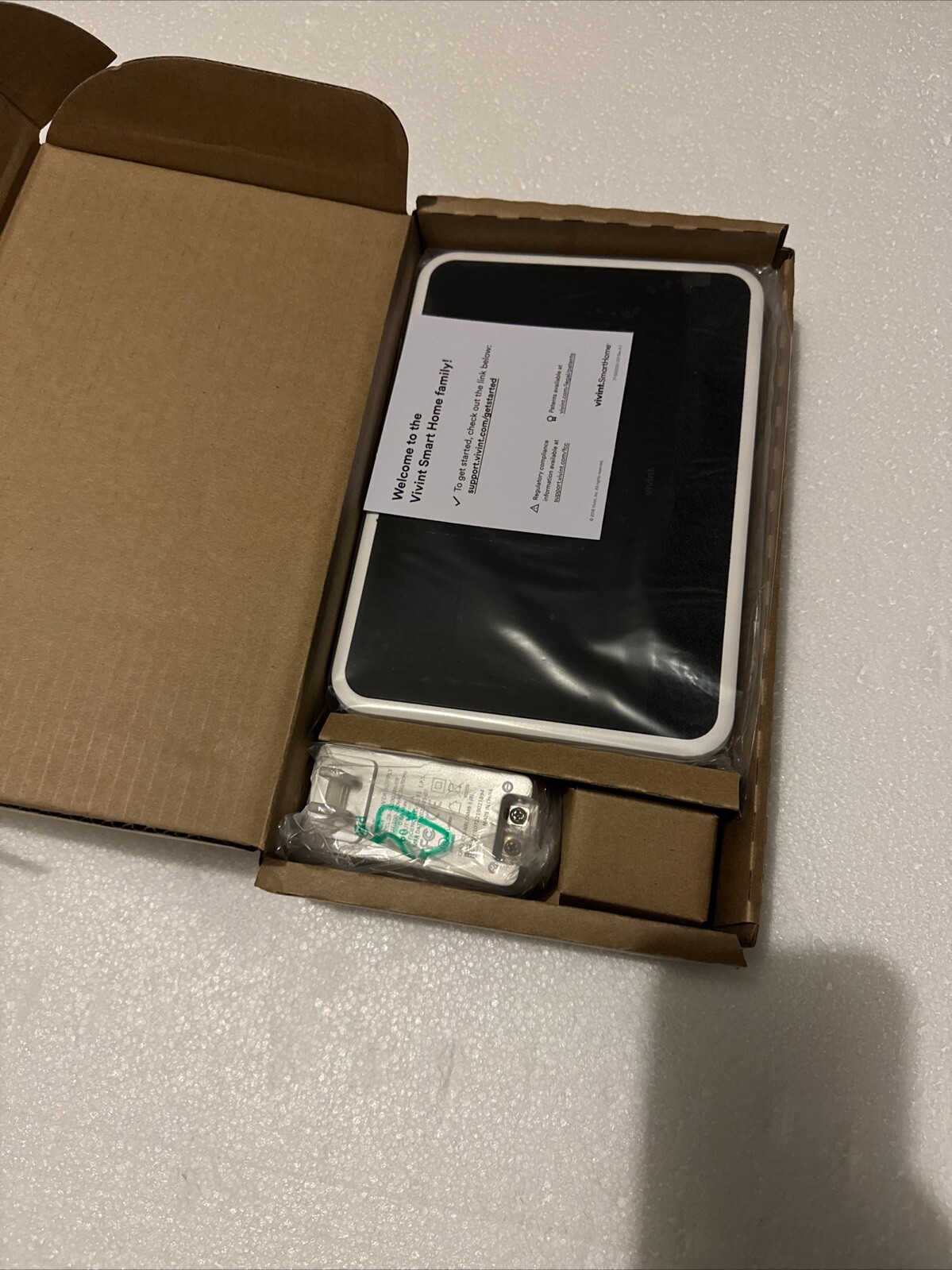
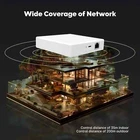
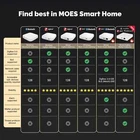
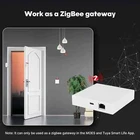
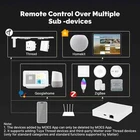
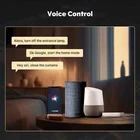
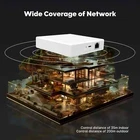
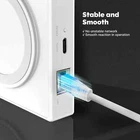
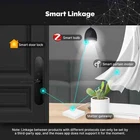
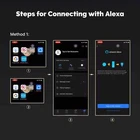
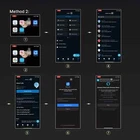
BY MOES Packing list Smart Wired Gateway×1 Product manual×1 Power cable×1 Network cable×1 Charger × 1 (optional) Find best in MOES Smart Home To solve the pain points of traditional gateways, the new iterative upgrades of the Matter protocol supported and the industry-leading smart concepts allow you to reduce the worry of incompatibility between different platforms. Work as your smart home bridge Work as a ZigBee gateway Note: lt can only be used as a zigbee gateway in the MOES and Tuya Smart Life App. Remote control over multiple sub -devices Note: 1. The devices added by MOES App can only be deleted by MOES App 2. lt supports adding Tuya Thread devices and third-party Matter over Thread devices (only for standard categories and standard functions supported by Matter) Voice control Wide coverage of network Control distance of 35m indoor Control distance of 200m outdoor Stable and smooth The wired network makes the gateway connection more stable and prevents frequent disconnection, to escort your smart home life. Data security Matter gateway applies two-way encryption authentication based on TLS, business data is encrypted with device-level random keys and the data is stored locally to ensure the security of your information. Smart linkage Create a comprehensive and smart home automation system, smartly control to automatically run your devices throughout the day. Steps for connecting with Alexa Method 1: ① You need to download the Alexa App and log in to your Amazon account. ② Open the Smart Life App. ③ Click on the "homepage - My - Voice and other third-party services - Alexa". ④ Click "Sign in With Amazon", Alexa App will be launched, click "LINK", and the binding is completed. Method 2: ① You need to download the Smart Life App and register a login account. ② Open Alexa App. ③ Click "More" in the lower right corner. ④ Click "Skills & Games", click the search button in the upper right corner, and enter the name of the skill you want to bind - Smart Life. ⑤ Click the "Smart Life" skill to enter the skill details page (ENABLE TO USE) ⑥ Click "Agree and link", and you will return to the Alexa App ⑦ After receiving a successful connection prompt, the binding is completed. Note: 1. The text description of the step corresponds to the number of the picture. 2. It supports to associate with Amazon Alexa only through MOES/Smart Life App. The steps for the MOES App to associate are the same as above.