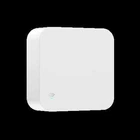
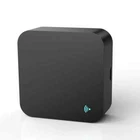
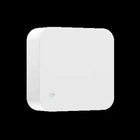
Tuya Smart IR Remote Control for Smart Home Automation TV Air Conditioner Works
$ 7.72
Description
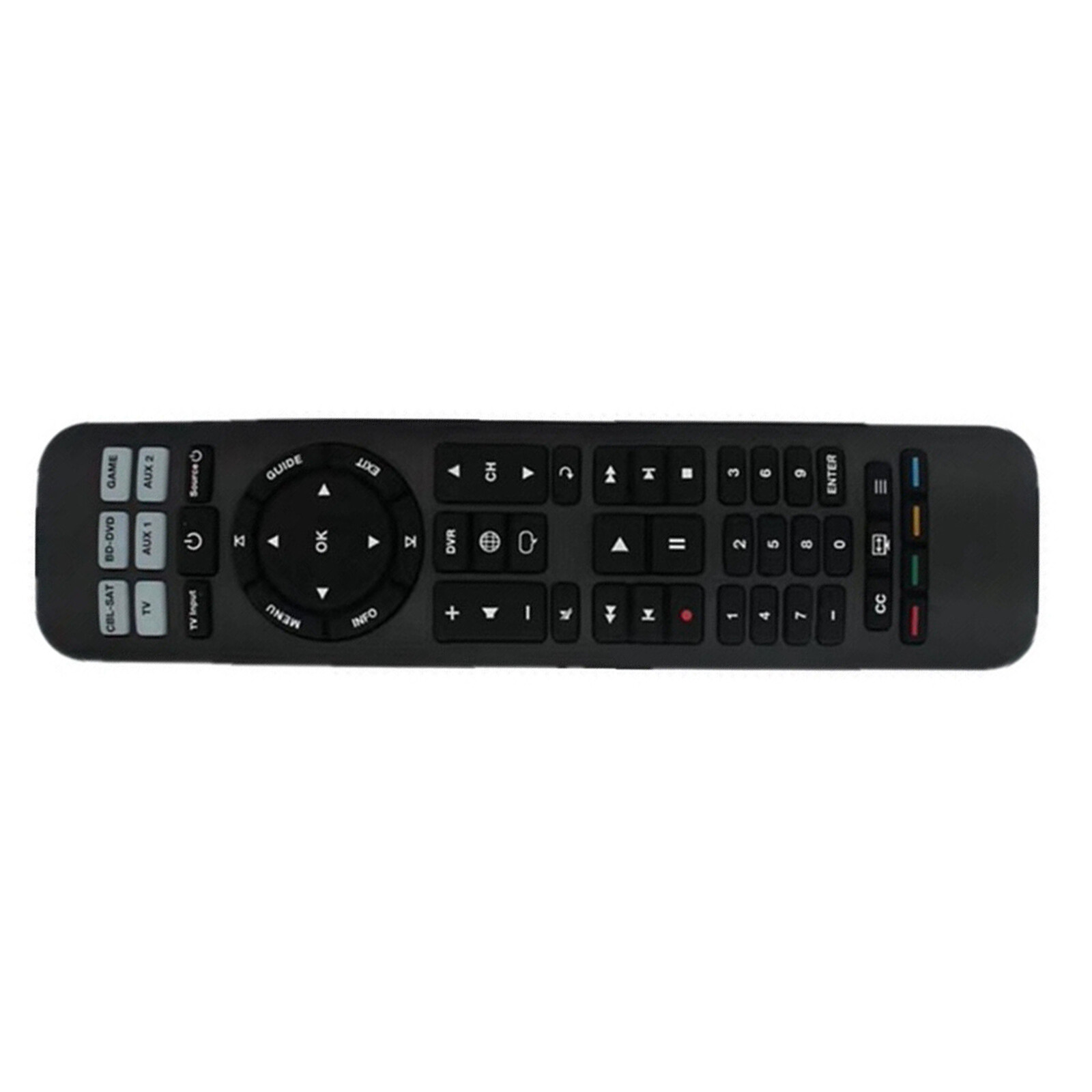
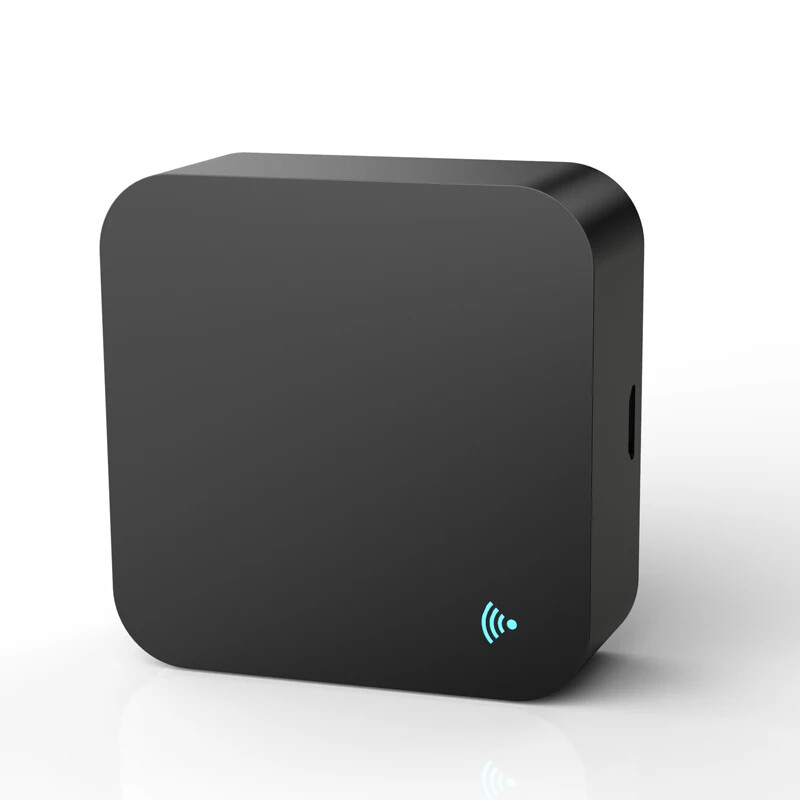
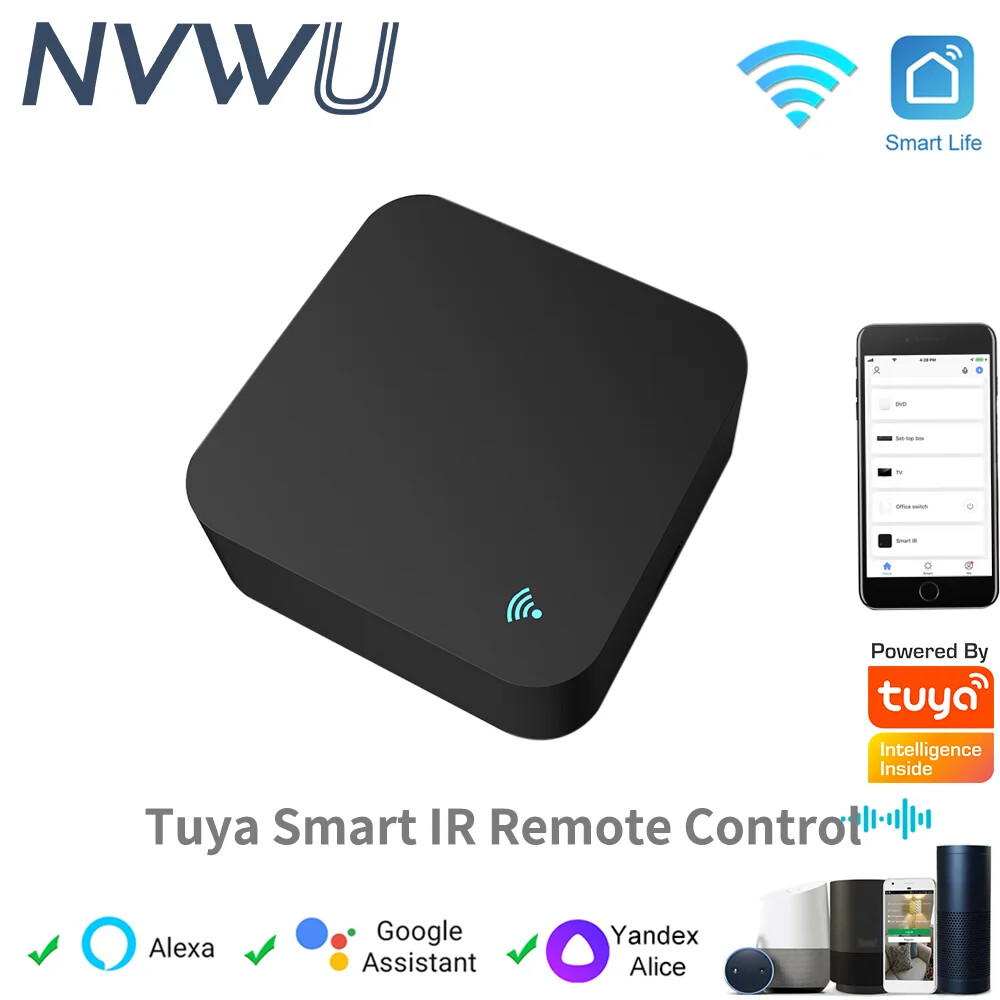
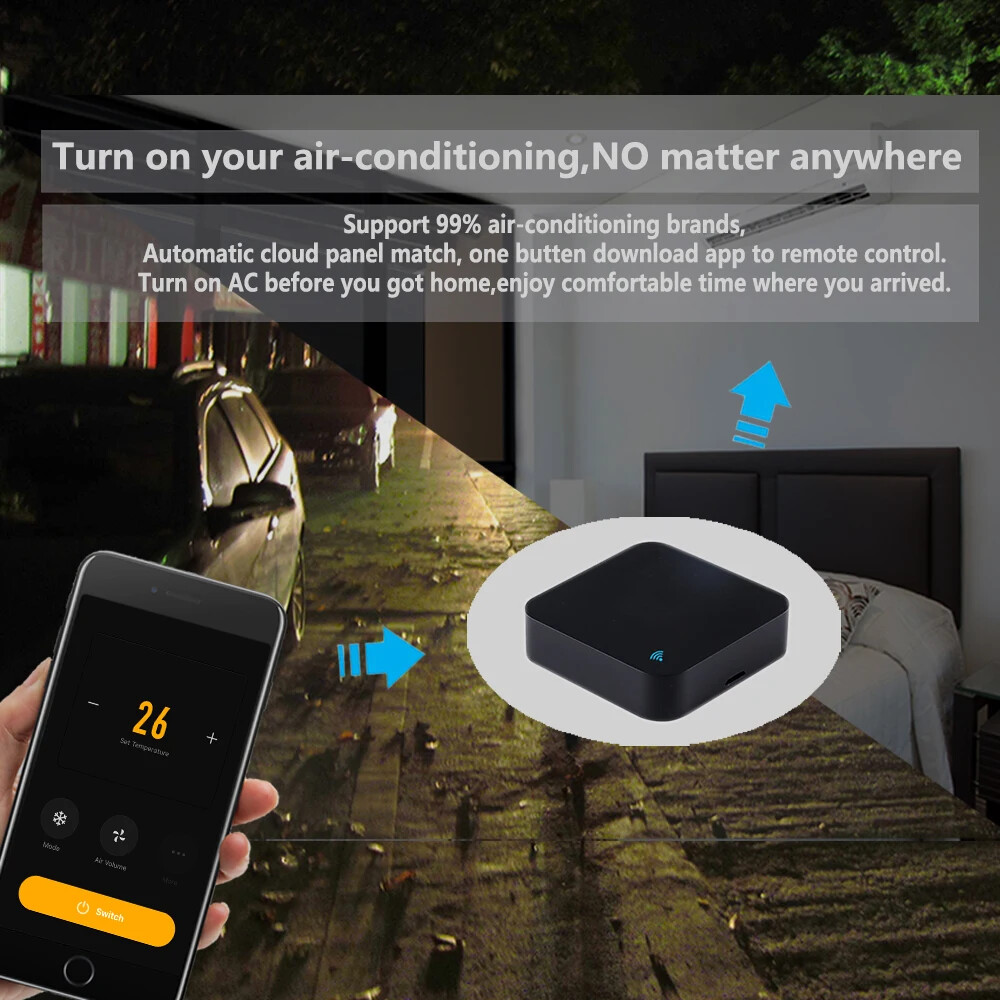
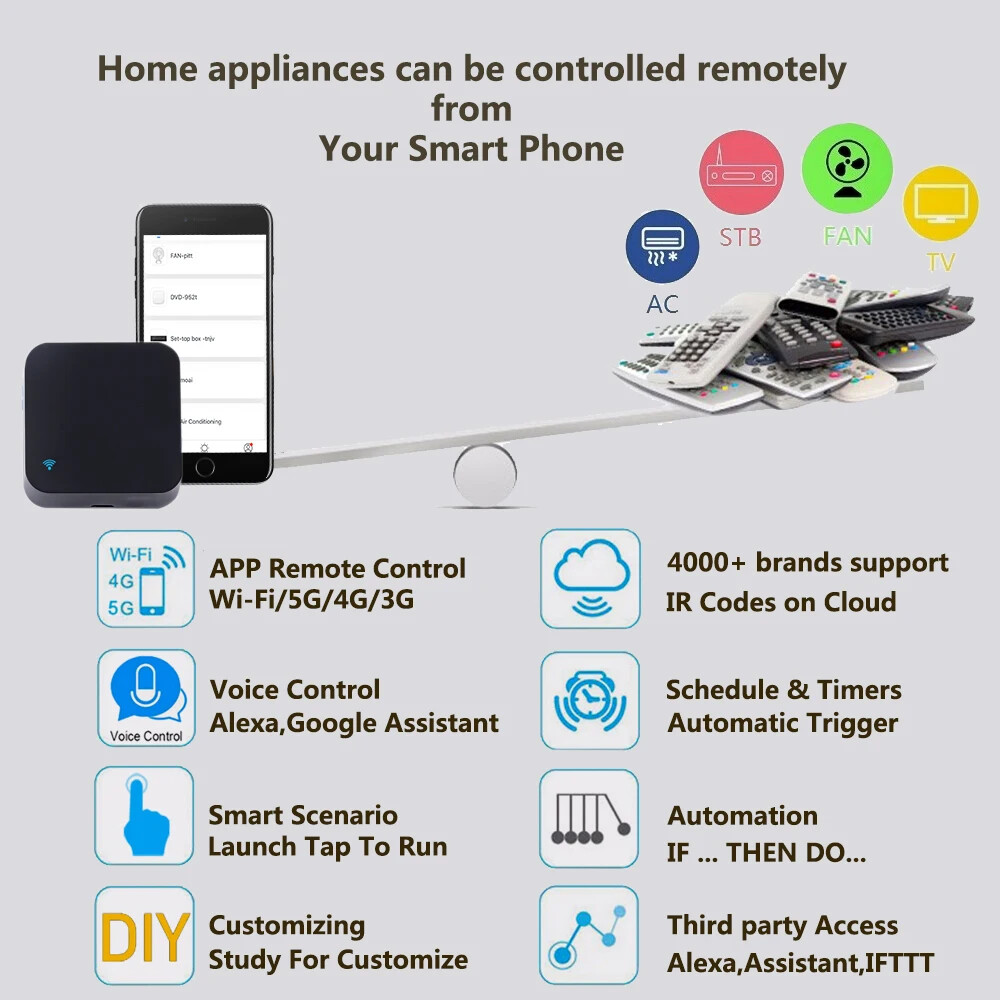
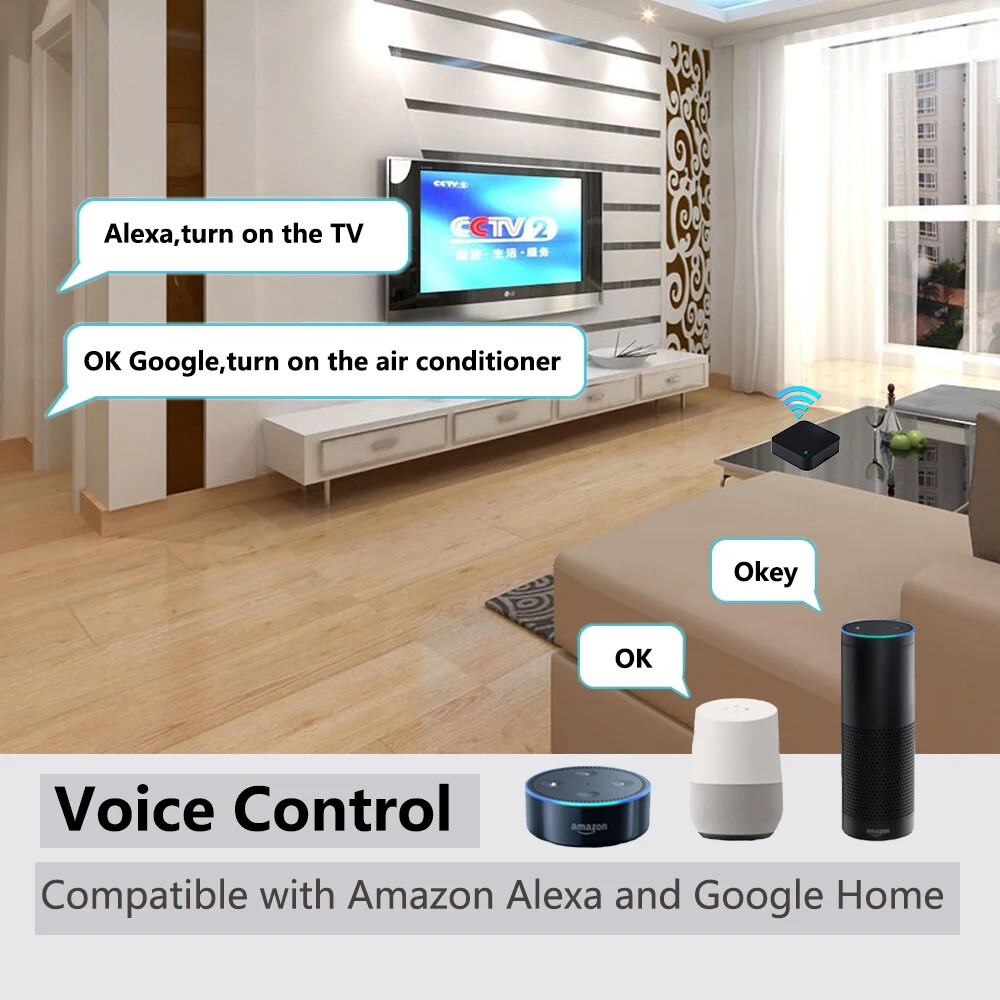
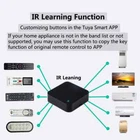
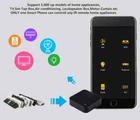
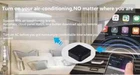
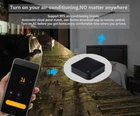
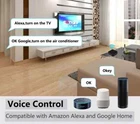
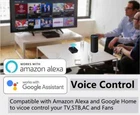
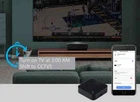
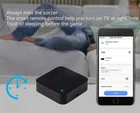
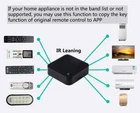
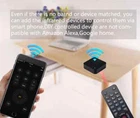
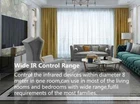
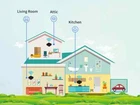
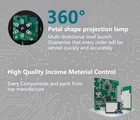
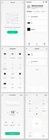
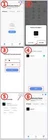
Product Features: With this Universal IR Remote Control, you may use your smart phone to control home appliances, such as STB(Set-Top-Box), TV Box, TV, Air Conditioner, Fan, DVD, etc. Compatible with most of brands, for details, please refer to the supported brand list in App. Besides, it has LEARNING FUNCTON, allows you to copy the key function of original remote control to App. Note: Not compatible with the home appliances which use RF or BLUETOOTH remote control. 1. Massive IR Code Database Support 4000+ brands, 50000+ IR Code on cloud, supported devices library is constantly being updated by the cloud. 2. App Remote Control Remote Control your home appliances by using "Tuya Smart" App in your smart phone anywhere anytime. For example: Switch on home A/C in advance, enjoying the comfortable temperature once you get home. 3. Easy to install and add to app Once you plug the cable line into the device, the device starts to start, and then select the app's "auto scan" function to find device. The whole process takes only a few minutes. 4. Voice Control By connecting Intelligent speaker, such as Amazon Alexa, Google Home, you are able to control your home appliances by voice. For example: Alexa, turn on TV; OK Google, set air conditioning temperature to 25 degrees. 5. Scenario and Automation in App A scenario consists of 1 or more actions. By creating an "Scenario", you may control multiple devices with one tap; By adding an "Automation" and interworking with other smart home devices, Wi-Fi remote control is able to execute actions automatically according to conditions, such as device status, weather and time. 6. Timer and Automatic Trigger According to your living habits, set time switches for your home appliances, such as turning on/off the air conditioner at regular intervals. 7. DIY Customizing buttons in the Tuya Smart App if your home appliances brand is not in the list or not supported. 8. Third-Party Control Works with Amazon Alexa, Google Assistant, Yandex Alice. You can use voice control it Product Parameter: * Input: DC 5V/1A(Micro USB) * IR Remote Control Distance: ≤8m * Connection: Wi-Fi IEEE 802.11 b/g/n 2.4GHz * App: Smart Life or Tuya Smart * Material: ABS All in One Smart Remote Control App Remote Control Turn on your air conditioner, no matter where you are. -Support 99% air conditioner in the market,automatic cloud panel match,one button download App Voice Control Works with Amazon Alexa, Google Assistant, Yandex Alice. By connecting App to Amazon Alexa, Google Home, Yandex Alice you are able to control your home appliances by voice. For example: -Alexa, turn on the TV; -OK Google, set air conditioning temperature to 25 degrees. -Алиса, установи температуру кондиционера на 20 градусов. Timer and Automatic Trigger Never miss one second of excellent match -Stay up late for the match,but always oversleep? -The smart remote control helps you turn on TV at right time and right channel. Enjoy your match! IR Learning Function: Customizing buttons in the Smart Life App. If your home appliances is not in the brand list or not supported, you may use this function to copy the key function of original remote control to App Wide IR Remote Control Range Control the infrared home appliances within 8 Meters in one room, can be used in most of living rooms and bedrooms with wide range,fulfill requirements of most families. Maybe every room needs one Infrared cannot penetrate the wall. So one of our products can only control the household appliances in one room. We recommend that each room install one of our products. 360° Petal Shape IR Emitting Lamp Multi-directional launch, guarantee that every order will be served quickly and accurately. Every components and parts are from the top manufacturer. App Pages How to link APP 1. Open the APP, use "+" to add a device. 2. The APP automatically discovers our device (via Bluetooth). 3. Switch to the WiFI router you need to connect to, and enter the SSID password. 4. Wait for the APP to configure the device to complete. 5. Add our product to your room and give him a name. 6. The addition is complete. NOTE: 1. If there are multiple WiFi routers, I recommend choosing a router with strong WiFi signal. 2. You need to give APP Bluetooth operation permissions Real Shot How to Add Remote Control Take the addition of TV as an example. The remote control of other household appliances is similar. 1. Click on our product on the main page of the app. 2. Use the "Add" button on the control page of our product. 3. Select "TV" as the type of remote control. 4. Find the brand of your TV. 5. [Automatic mode] According to the prompt, use the original remote control to transmit the signal, our product automatically recognizes the remote control type. [Manual mode] Switch to manual mode on the page, and select the control panel that can control the TV. 6. The addition is complete. You can see the added remote control for household appliances on the main page. Enjoy your smart life. What's in package NOTE:No USB power adapter included