



Universal TV Remote Compatible with LG Samsung TCL Philips Vizio Sharp Sony Panasonic
$ 9.5
Description
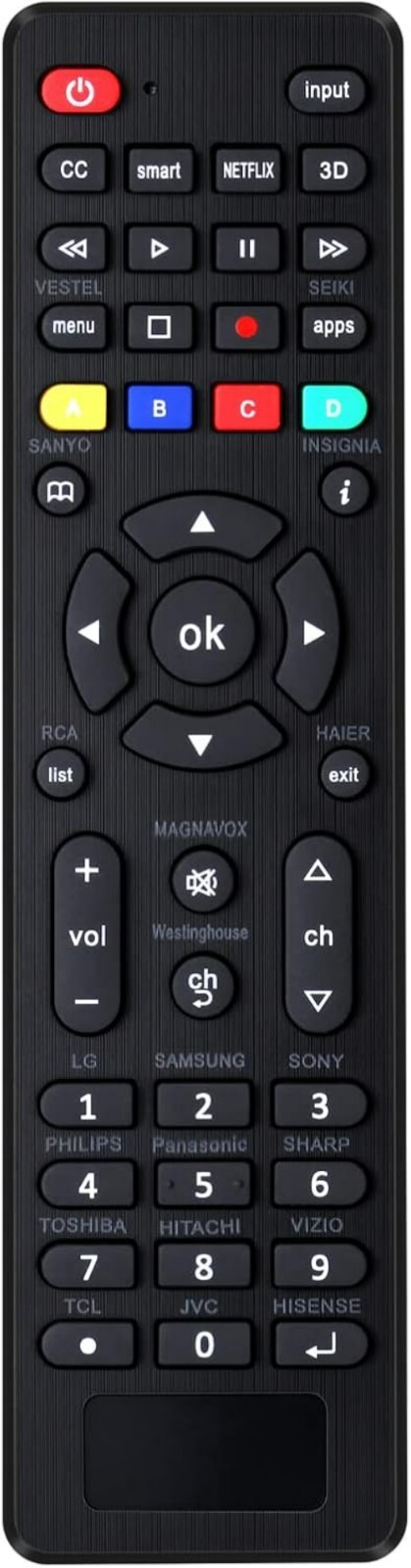
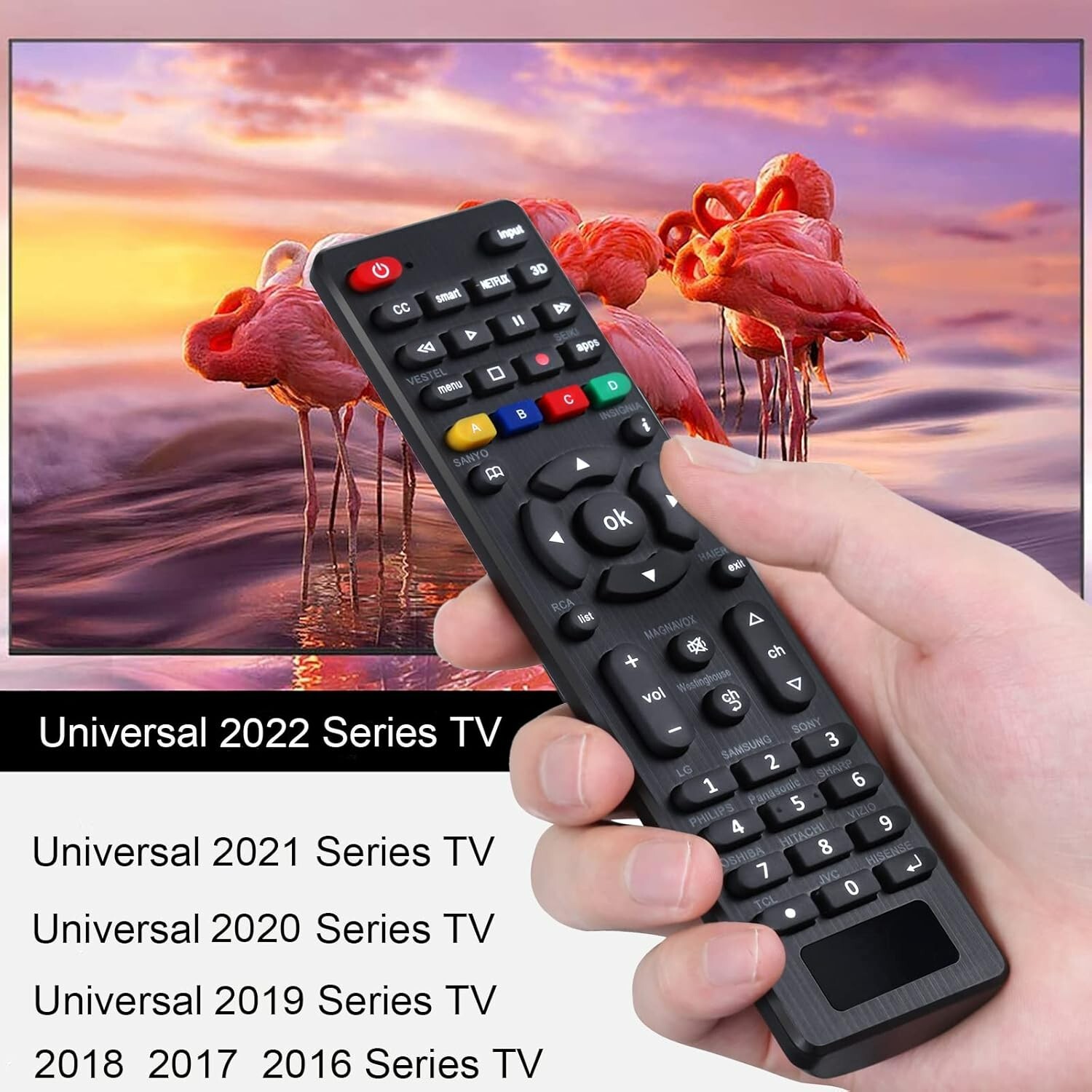
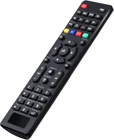
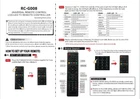
Universal Tv Remote for LG,Samsung, TCL, Philips, Vizio, Sharp, Sony, Panasonic, Sanyo, Insignia, Toshiba and Other products LCD LED 3D HDTV Smart TV Remote Control Universal replacemenremote control can be directly used for LG, Samsung, Philips, Panasonic, Sharp, TCL, Vizio, Sony, Sanyo, Toshiba, Maganvox, Hisense, JVC,Hitachi, Westinghouse, Vestel, and Seiki samrt tvs. Two setting methods: (1) Set by code: After pressing the corresponding product button for 3 seconds, the LED flashes for the third time and then releases. Enter a 3-digit code from the code list, if the code is correct, the LED light will turn off. Code error, LED light will still light up. (2)product search: after pressing the corresponding product button for 5 seconds, the LED flashes for the third time, and the setting is an instruction manual) About batteries: do not mix old batteries with old batteries, or mix different batteries together If the remote control does not work during use, reinstall the battery Please replace the battery when the remote control is not sensitive (pack without battery). The remote control is light and compact, easy to grasp and has more complete functions. It is a good choice for you to replace the old or damaged remote you have any questions, please contact me promptly and we will reply to you within 24 hours. Easy to set up, you can instantly watch your favorite TV programs and enjoy the endless fun they bring you! This universal remote control LCD/LED TV remote controller (RC-) can directly the remote controls of more than ten TV products, such as LG, Samsung, TCL, Philips, Vizio, Sharp, Sony, Panasonic, Sanyo, JVC, Toshiba, Hisense, Hitachi, Haier, Westinghouse, Insignia,RCA , etc. Two setting methods: 1. Set up by code: (1) Press "Mute +power" buttons together for 3 sec until led light is lit,then release it. (2) Input your 3 digit TV_CODE form code the code is right,the LED light will go off. If the code is wrong, the LED light will still be on. If this happens,try to enter the code again as there may have been an error the first time. (3)Please check the function of Remote. If it doesn't work well, please you can try one of the other codes and repeat the process from step 1. NOTE:During setting process,if no key is pressed in 10 seconds it will exit automatically. 2.product search: 1)Turn on the button of the corresponding product for 5 sec, the LED flashes three times,then the setting is completed. Default Mode: Under the default setting,RC- can directly control many products,include LG/SAMSUNG/SONY/PHILIPS/PANASONIC/SHARP TV.Restore to the initial setting,please and hold the [OK]+[0]buttons about 3sec, the LED light will be b four times,now it is in initial setting.
Item was as described, well packaged, great seller who made sure I was fully informed on postage and generally great communication. Very positive experience, definitely recommended seller.
Item as described, well packaged and speedy delivery, unfortunately item did not fit and was returned and refunded without any problems, pleasure to deal with
Amazing ,amazing item , very very fast delivery. I highly recommend. Arrived super quick ,very well packed ,and all has described, great price to.
Related products
6-Device Universal Remote Control by GE Model 24922 in Black Brand New Sealed Case
$ 13.46Original Toshiba CT878 TV Remote Control OEM Replacement CT-878
$ 18.48Genuine OEM Universal Remote Control URC Model MX-780 Original
$ 26.14Replacement Remote For Insignia TV NS-PC4NA-17
$ 2.64