

WiFi Blinds Curtain Switch App Remote Control For Electric Roller Shutter Sunscr
$ 14.68
Description
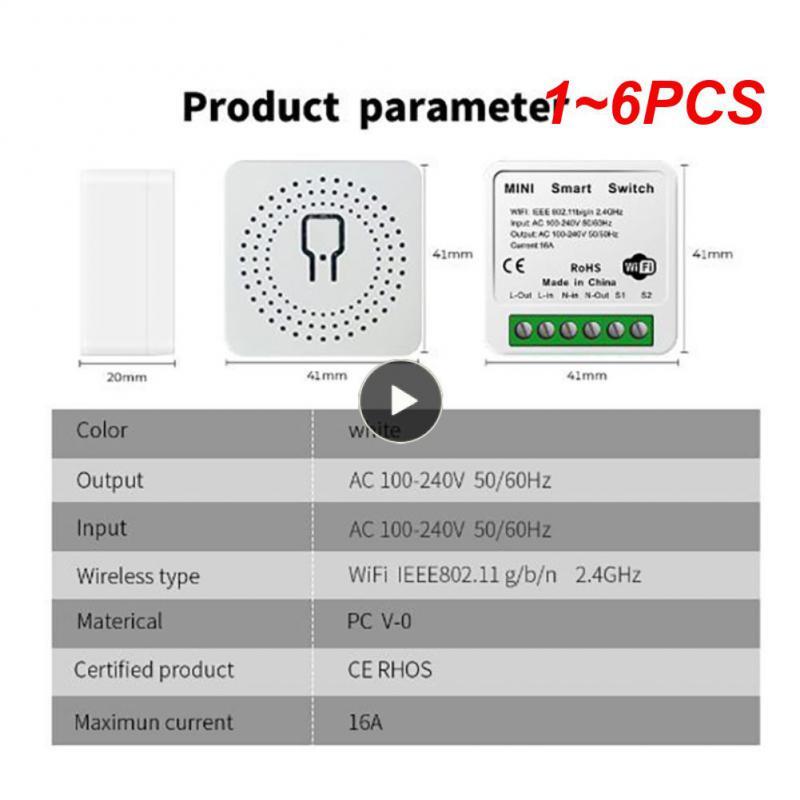
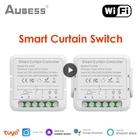
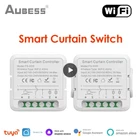
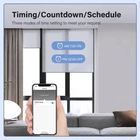
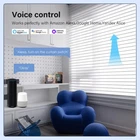
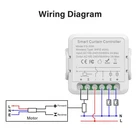
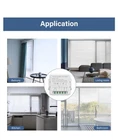
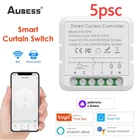
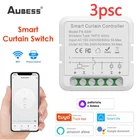
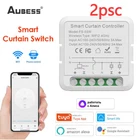
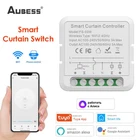
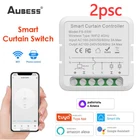
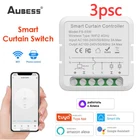
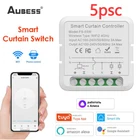
WiFi Blinds Curtain Switch App Remote Control For Electric Roller Shutter Sunscreen Tuya Smart Life Google Home Alexa Smart Home Description: Product:Smart Curtain Controller Wireless Type: WiFi 2.4GHz Input:AC100-240V 50/60Hz Output: AC100-240V 50/60Hz Max. load:3A Dims.(WxDxH):46*41*26mm(with frame) Specifications: Thickness: The switch is only 21mm thick and fits in the switch cassette, making it possible to turn traditional curtain switches into smart switches. Remote Control: The switch can be controlled remotely using the Tuya or smart life APP. You can check the status of the curtains from the APP, even when you're away. Percentage Open/Close: You can set the percentage you want the curtains to open or close on the smart life APP. For example, you can set the curtains to open 80% and close 35%. Voice Control: The switch is compatible with Alexa and Google Home Assistant, allowing you to use voice commands to turn on/off the curtains. Home Mode: The switch can be linked with other smart devices to create a convenient smart life. A home mode can be created and linked with other smart devices to automatically open the curtains as soon as you go home. Timing Function: The switch can be set to automatically turn on and off at a given time through the timer function. Choose the time you want to wake up and the curtains will open automatically, so you can easily enter the day. Choose the time you want to close the curtains and they will close automatically. Shareable: The control switch can be shared with family members. Package Included: 1*Smart switch,1*Manual Notes: The Neutral Line is required. This product needs to be accurately calibrated with the switch. The calibration process: 1. Confirm that the curtain motor and switch are connected 2. Connect the app and make sure the curtains are fully opened. 3. APP-settings-accurate calibration 4. Press the close button of the ordinary button, wait until the curtain reaches the fully closed position, and then press the reset button on the smart curtain switch 5.app click next 6. Press the open button of the ordinary button, wait until the curtain reaches the fully open position, and then press the reset button on the smart curtain switch 7.app click next 8. Done